Where's My Phone - Clapping for Android (Official Play Store Version)
Fast Download : Download this app by PureMods App with faster speed.
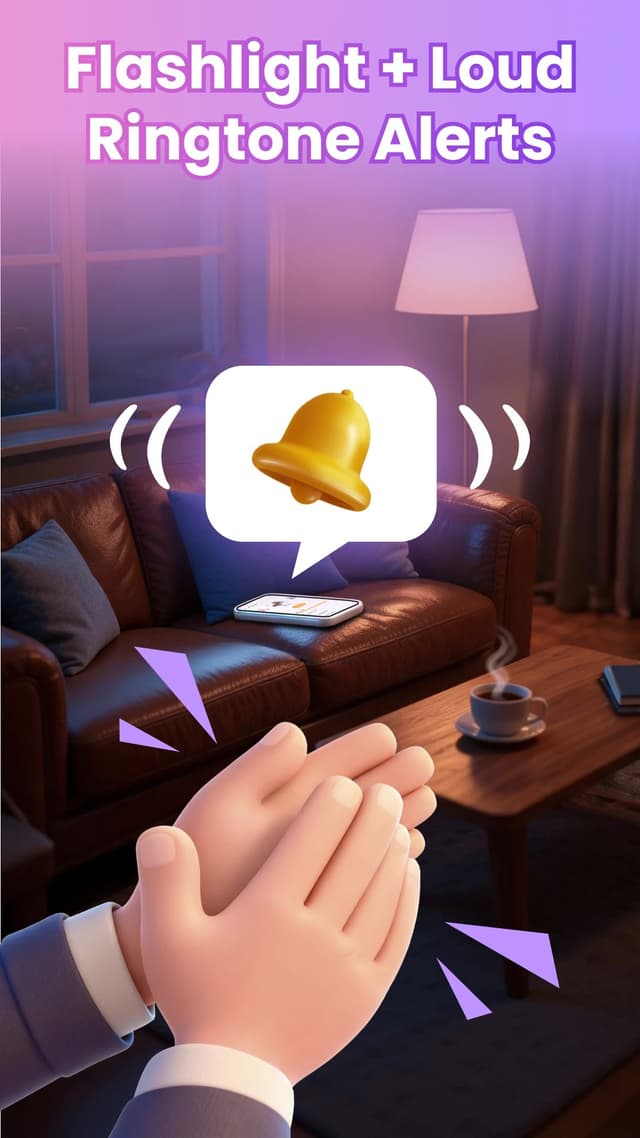
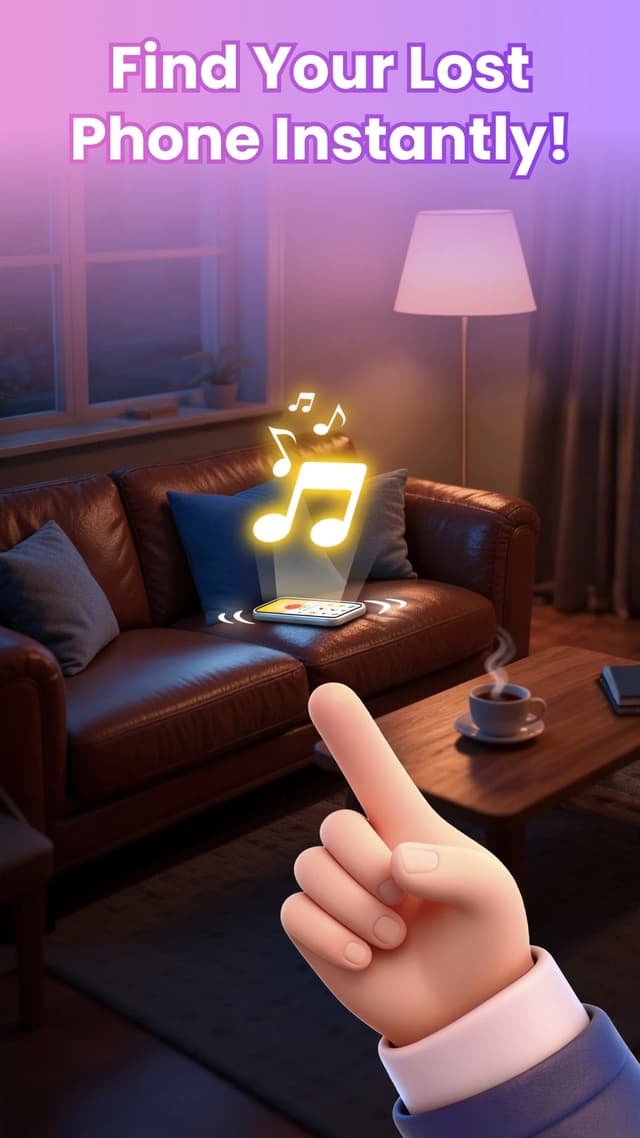
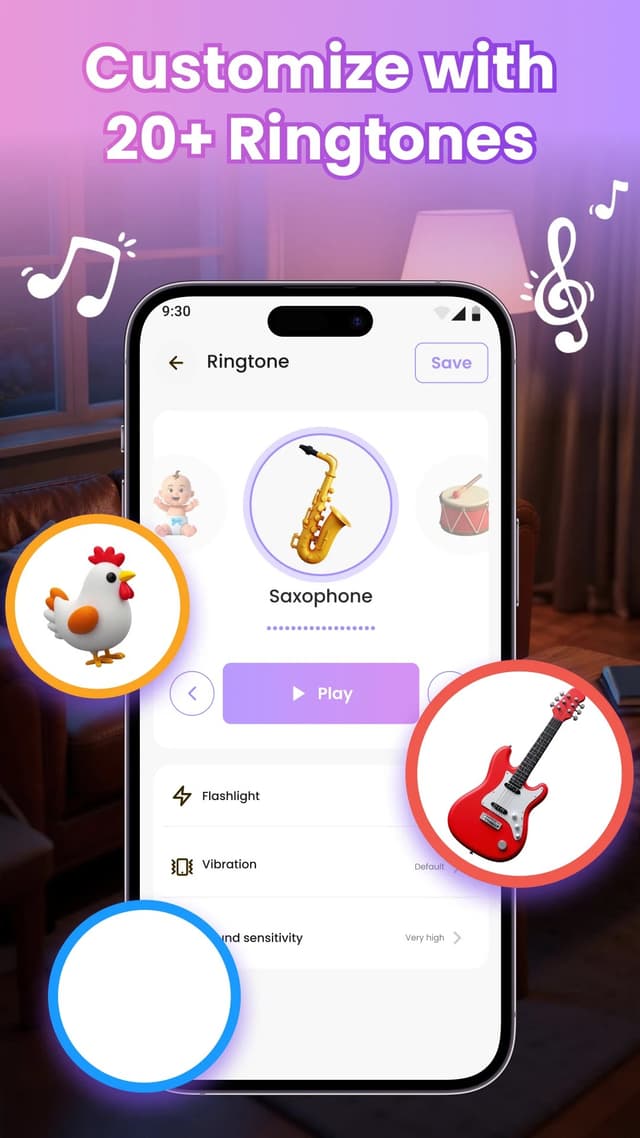
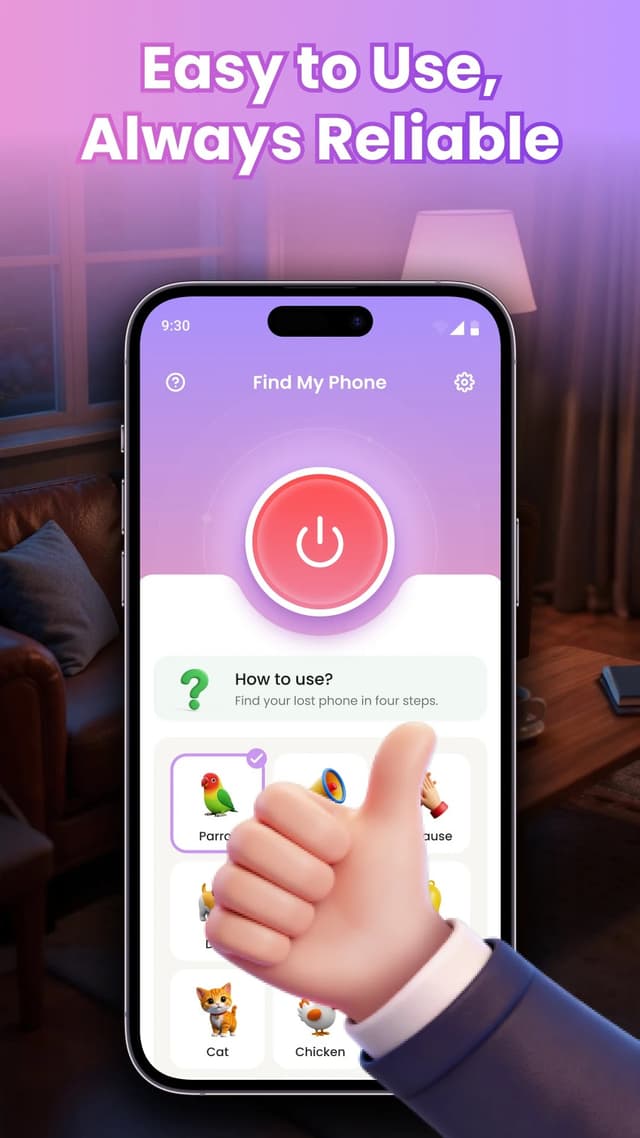
Where's My Phone - Clapping is built for a very specific moment: the phone is somewhere in the room, but the sofa cushions, the laundry basket or the bottom of a bag have swallowed it. Instead of asking someone to call you, or opening a location tracker on another device, you clap your hands or whistle. The app listens for that sound and makes the phone ring loudly and flash its flashlight until you find it.
A finder that does not need a second device
Most phone-finding tools assume you have another phone, a laptop or a Bluetooth tracker within reach. This one assumes only that you can make a sharp sound. That is what makes it useful in the situations where the usual options fail: the phone was left on silent, it slipped under the sofa, or you are alone at home with nothing else to call it with. It is not a GPS tracker and it does not show a location — it makes the phone announce itself within earshot, which is usually enough indoors.
What the app does
- Clap and whistle detection. The app listens for a short, sharp sound and ignores most ordinary background noise. Sensitivity is adjustable, so you can make it more or less eager depending on your home.
- Ringing that ignores silent mode. The alert is played at a loud volume and is designed to work even when the phone is set to silent or vibrate.
- Flashlight alert. The camera flash blinks with the ring, which helps when the phone is under furniture, behind a curtain or in a dark room.
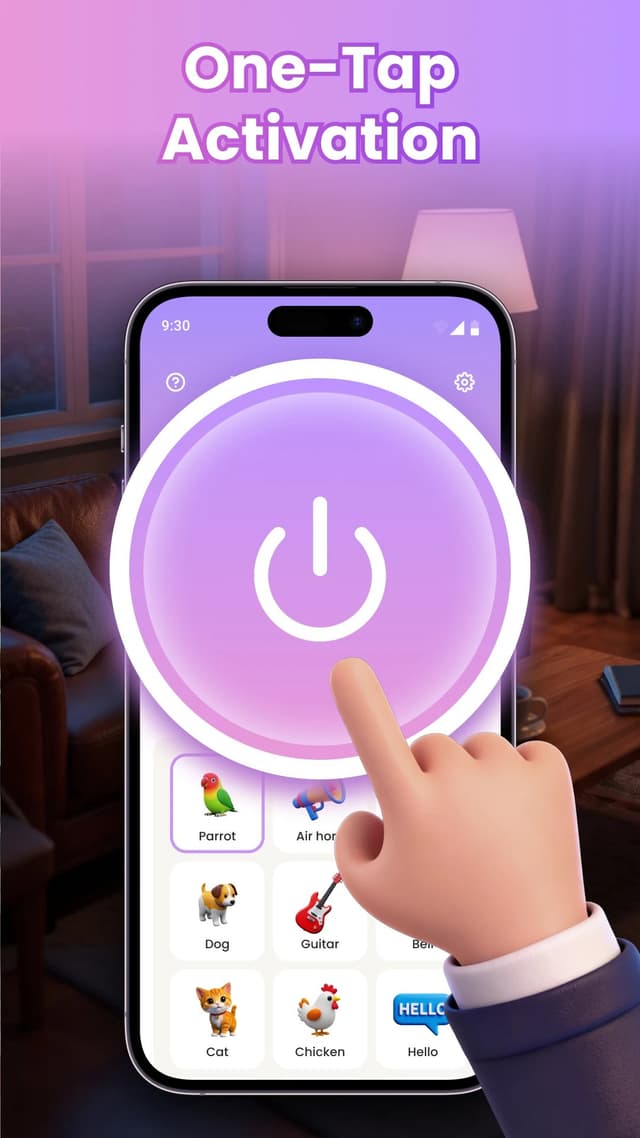
- Recognisable alert sounds. Choose from built-in sounds such as a cat, a dog, a guitar or a baby laugh, so the alert is easy to tell apart from a normal notification.
- Small footprint. The app is lightweight and stays out of the way until it hears the trigger sound.
Setting it up properly
Install it from Google Play, open it once, and grant microphone access. Without that permission the app has no way to hear a clap. Allow notifications as well, because Android shows a persistent notification while the listener is running. Then open the battery settings and set the app to unrestricted or exclude it from battery optimisation; otherwise the system may stop it in the background and the phone will stay silent when you clap.
Before you rely on it, run a test. Leave the phone in another room, close the door, clap once or twice and listen. If nothing happens, raise the sensitivity, check the notification is still visible and confirm the app was not put to sleep by the system.
Where it works well — and where it does not
It is at its best indoors, within one or two rooms, when the phone is under something soft: cushions, blankets, laundry, a jacket pocket or the bottom of a bag. Sound travels through those materials well enough for the microphone to pick up a sharp clap.
It is less reliable over long distances, through several closed doors, in a noisy street, or when the phone is inside a closed car or a metal cabinet. And it cannot help if the phone is truly lost outside the house: there is no GPS, no map and no remote location report. Think of it as a loud, local answer to "where did I leave it?", not as a replacement for Find My Device.
Privacy and permissions
The microphone is used only to listen for the trigger sound. Audio is processed on the device and is not recorded, stored or uploaded. The app is free and supported by ads, so you may see advertising in the interface; that is the trade-off for not paying for a utility you use a few times a month.
Small habits that make it more reliable
- Test from another room, not next to the phone. A finder that only works when you are standing beside it is not a finder.
- Use one clear clap instead of a rapid series. A single sharp sound is easier for the detector to isolate than a burst of noise.
- Lower the sensitivity if the TV sets it off. False triggers are usually a sign that the threshold is too low for your home.
- Keep the app out of battery optimisation. This is the single most common reason a background listener stops working.
- Choose a sound you can locate by ear. A distinctive ringtone is easier to follow through a room than a generic beep.
Where's My Phone - Clapping is a small, focused utility: it does one job, and it does that job without asking for an account, a subscription or a second device. If your phone has a habit of disappearing into the sofa, it is worth the install.
- Tap "Download APK" — the button opens the official Google Play page for this app.
- On Google Play, tap "Install" and wait for the download to finish.
- Open the app and allow microphone access. This permission is required so the app can hear clapping and whistling.
- Allow notifications so the app can show alerts while running in the background.
- To keep detection reliable, disable battery optimization for the app in Android settings.
- Test it: clap twice or whistle, and the phone should ring and flash.
- Open Settings inside the app to adjust sound sensitivity, ringtone and flashlight alerts.
Note: audio is processed on your device in real time and is never recorded or uploaded.
Q: Does it work when the phone is in silent or vibrate mode?
A: Yes. The alert uses the alarm volume and also flashes the flashlight, so it works even in silent mode.
Q: Is my microphone audio recorded or uploaded?
A: No. The microphone is used only to detect clapping or whistling; audio is processed on-device and never saved or sent.
Q: Why doesn't the app react to my claps?
A: Make sure microphone permission is granted, battery optimization is disabled for the app, and the sensitivity is set high enough. A quiet room and a sharp clap work best.
Q: Can I change the alert sound?
A: Yes. In the app settings you can choose from built-in sounds such as cat, dog, guitar, baby laugh and more.
Q: Does it need an internet connection?
A: No. Sound detection works offline; only downloading and updating the app need internet.
Q: Which Android versions are supported?
A: Most modern Android phones are supported. Check the "Requires Android" section on Google Play for the exact requirement.